Your source, your responsibility
Seedly does not index or host anything. Use it only to find and download content you have the right to.
 Seedly - Torrent RemoteMagyar
Guide
Search through your own Prowlarr or Jackett and send a result to your Transmission server without leaving the app.
Seedly has no search of its own and ships no website, index or default source. It asks the Torznab source you run yourself, such as Prowlarr or Jackett, so you decide what it can find. Without a source, the Search tab explains how to add one.
In the web interface of Prowlarr or Jackett, copy the Torznab address of an indexer (or of all of them) and your API key. Both are shown there.
Go to Settings, then Search providers, and tap the plus button. Paste the Torznab address and the API key. The key can be left empty if the address already contains it. The name is optional.
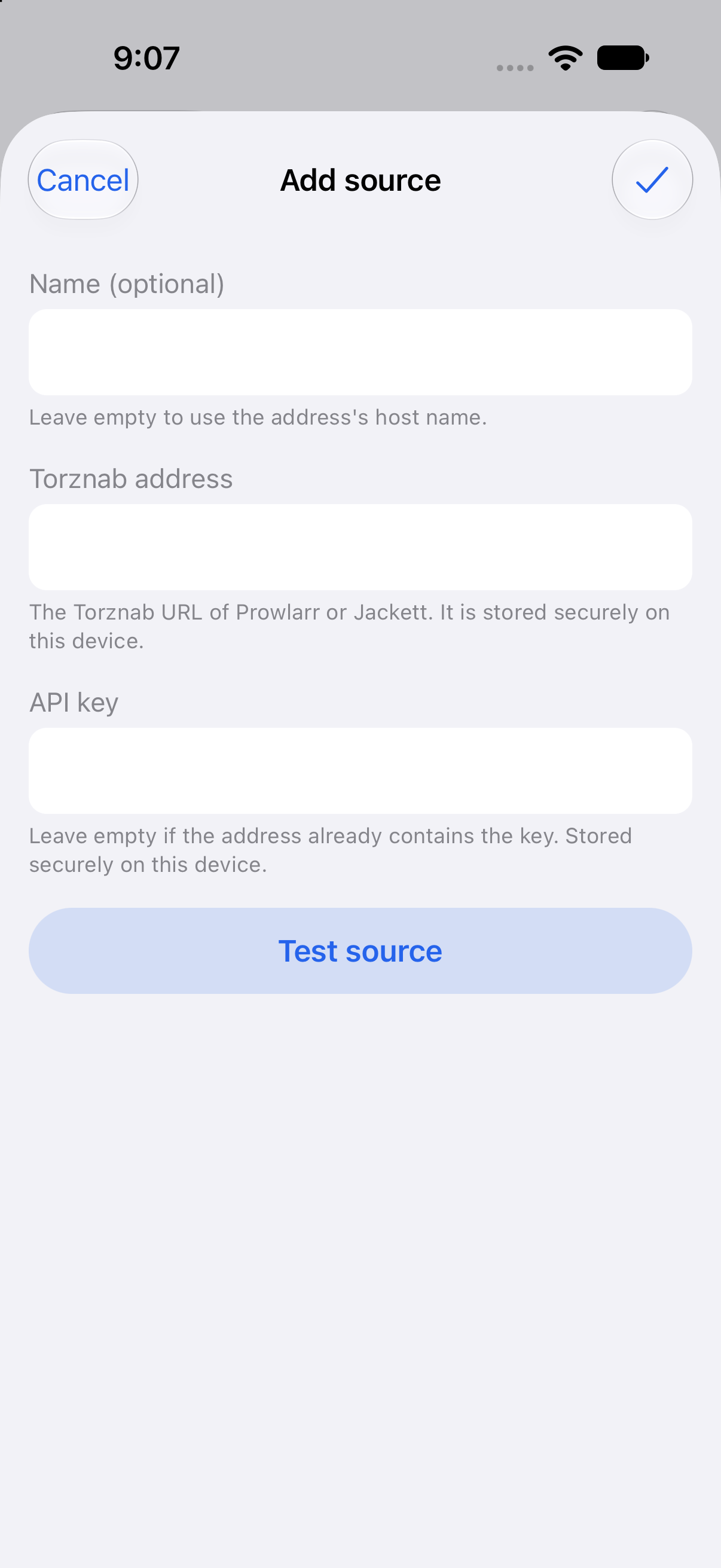
Tap Test source to check the connection before you save. The address and the key are kept in your device’s secure storage.
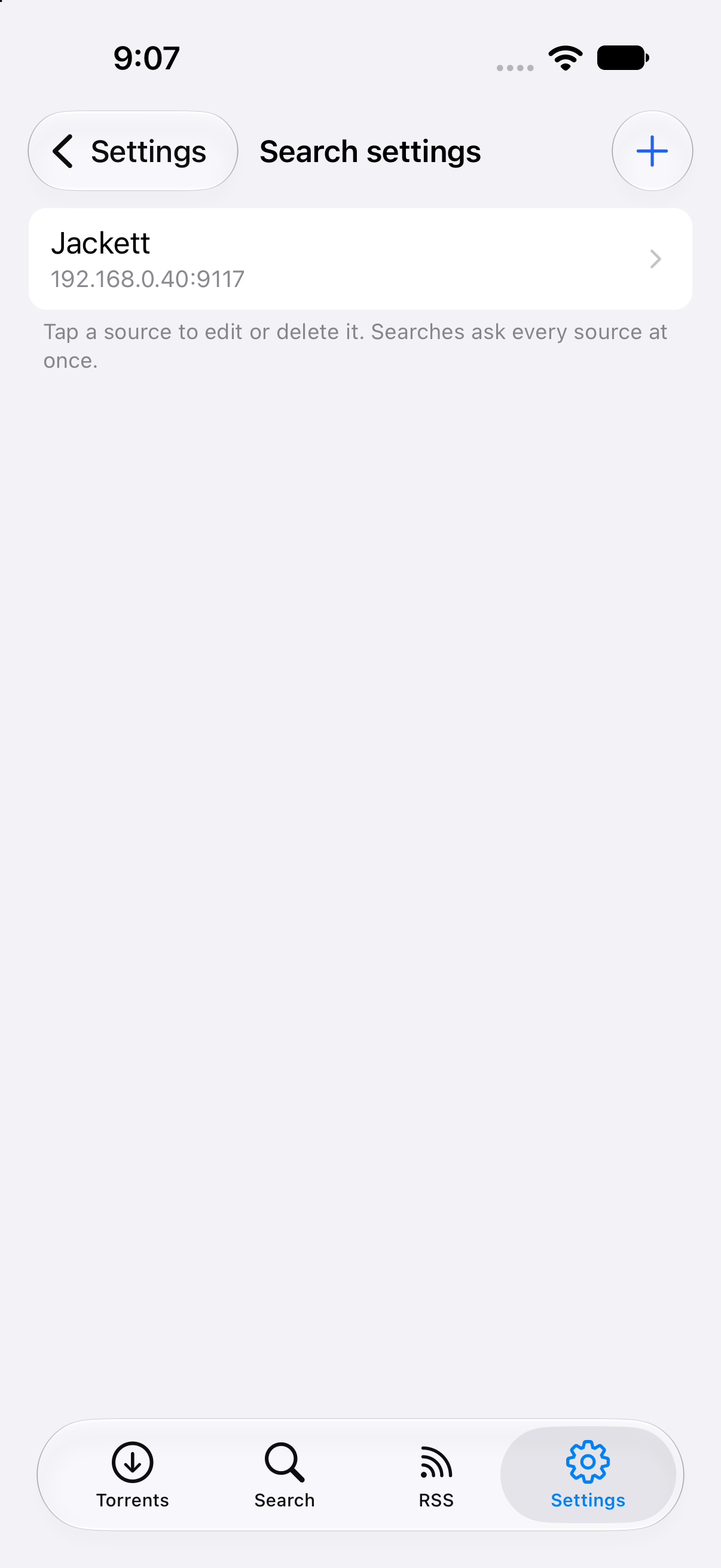
The Search providers screen lists your sources. Tap one to edit or delete it. A search asks every source at once.
Open the Search tab, type what you are looking for and press search. Every result shows the site it comes from, its type, size, seeders, leechers and age. Results of all sources are merged, and the same torrent found twice is listed once.
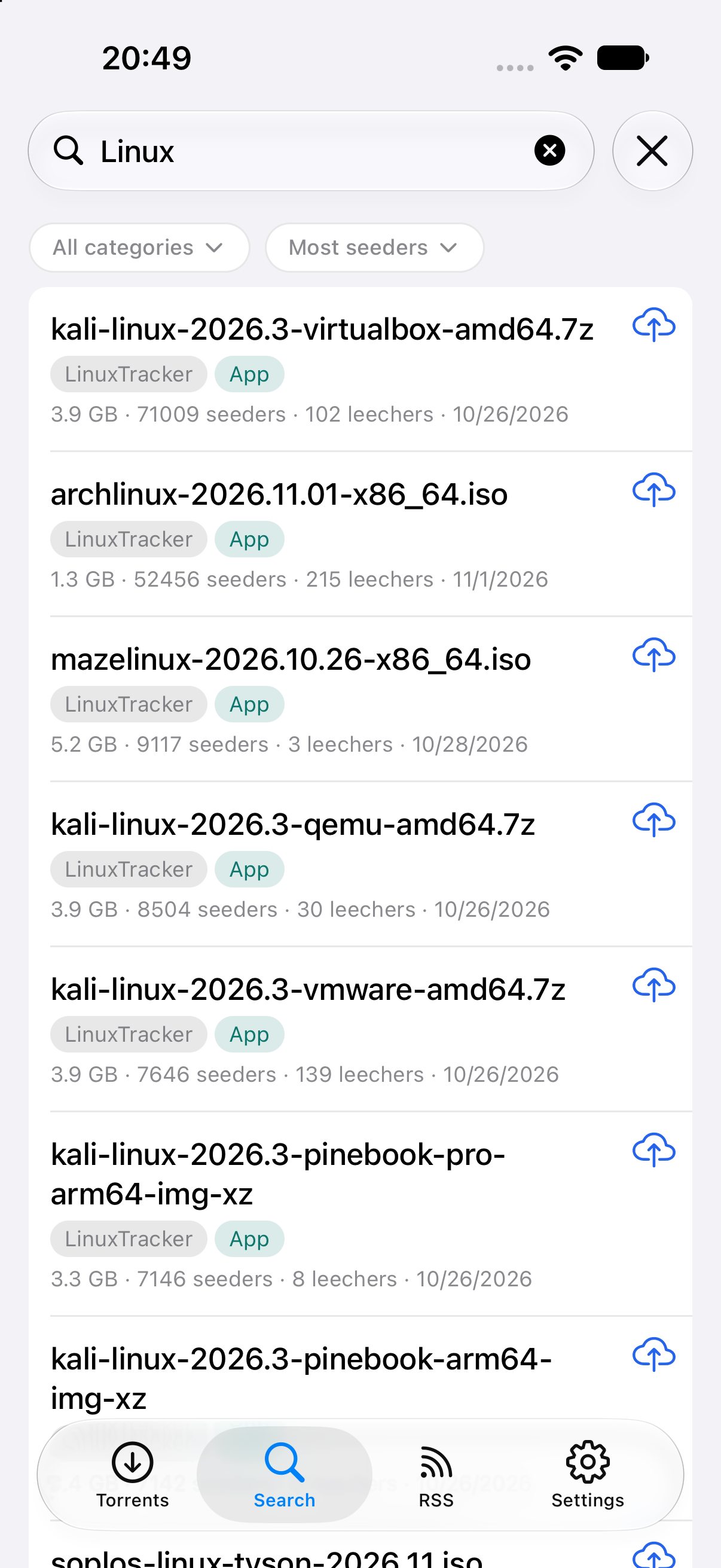
Pick a category from the first chip. The second chip sorts the results by seeders, size or date.
Tap the cloud button to send a result to your Transmission server. With several servers the app asks which one. The download button saves the .torrent file on your device. Tap a result itself for a menu with the same two actions and a third entry that opens the result’s web page.
Seedly does not index or host anything. Use it only to find and download content you have the right to.
If a source cannot be reached, a note names it and the results of your other sources are still shown.
A source on your home network often has no HTTPS. Seedly allows it, but the key then travels unencrypted on that network, so prefer HTTPS or a VPN when you are away from home.
Searches go straight from your phone to your own Prowlarr or Jackett. Nothing is sent to the developer.
You can also read the RSS feeds you already use in one list and send an item to your server with one tap.
Read the RSS guide